Make Your Profile Glow

Your PFP is too dim. Fix it in 10 seconds — and watch it glow on good screens (iPhone/Mac/HDR).

Tap to compare
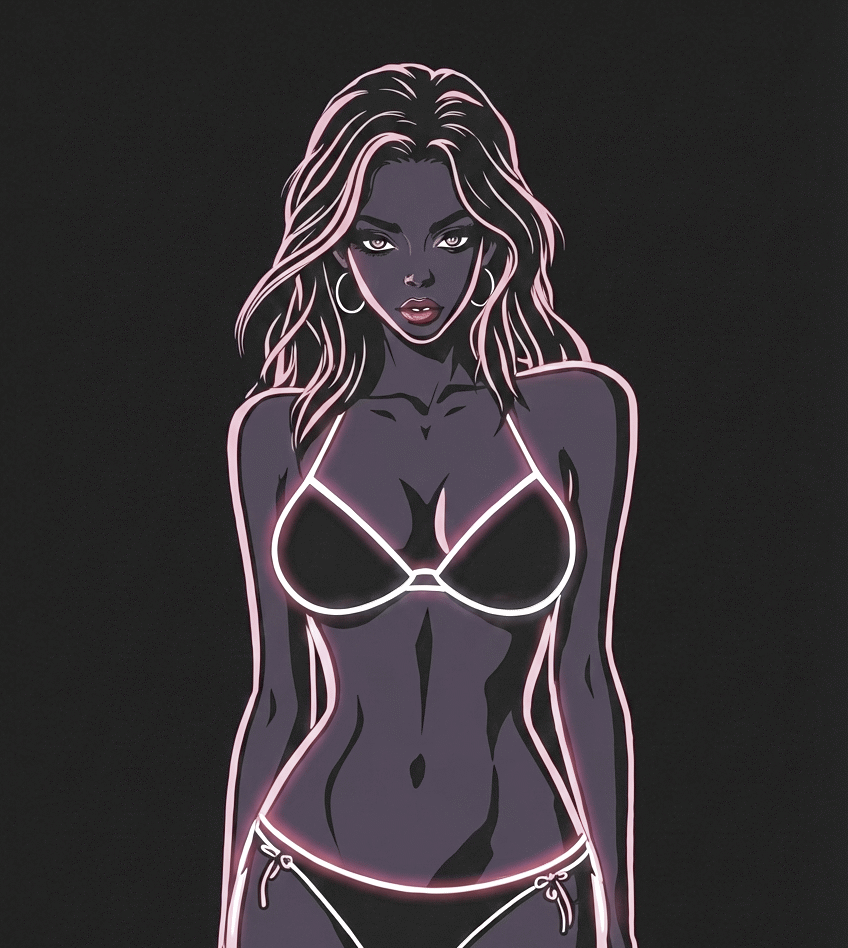
Original avatar before HDR glow conversion - click to upload your own image
Original Click to upload your image
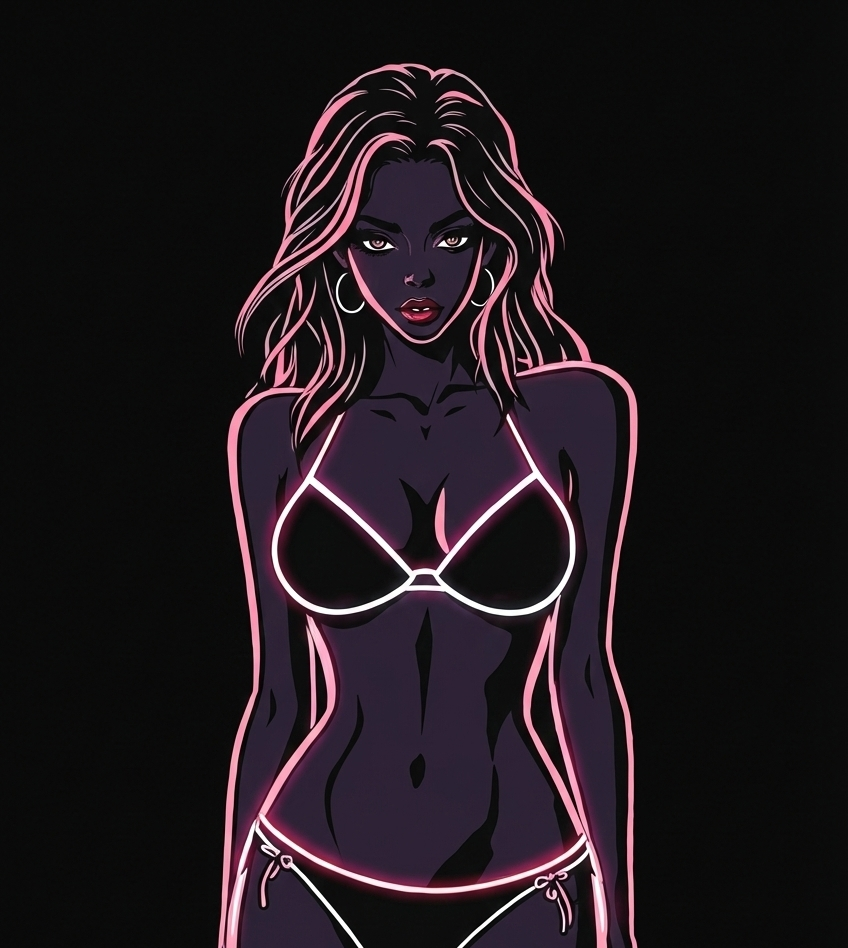
Avatar with HDR glow effect - vibrant glowing colors that pop on HDR screens
Glow Click to download
Display:

Where will your avatar glow?

The glow effect is visible on modern phones and laptops with bright screens — iPhones, MacBooks, Samsung Galaxy, and most devices made after 2020. On older screens, it will look like a normal image.

Technical Details (How it works)

Under the hood

Local Processing

Your image never leaves your device. All processing happens in your browser.

HDR Mapping

We boost brightness and saturation to push highlights beyond standard limits.

Optimized Export

Creates a specialized PNG that triggers HDR mode on compatible displays.

  • Output: Indexed HDR PNG (Rec.2020 PQ).
  • Tech: Median-cut quantization + Dithering.
  • Inputs: PNG, JPEG, WebP, HEIC, AVIF.

FAQ

How to make Instagram profile picture glow?

Use Flashblind to convert your image to HDR. Upload the PNG to Instagram without applying filters.

Why are some avatars so bright?

They use HDR images that can display much brighter highlights on HDR-capable screens.

Does Instagram support HDR photos?

Yes, when uploaded without filters. Filters often strip HDR metadata and reduce the glow.

What is an HDR PNG?

It is a PNG with an HDR color profile (Rec.2020 PQ) so HDR screens can show brighter highlights.

What devices can see HDR glow?

HDR screens like iPhone X+, MacBook Pro (2018+), MacBook Air (M1+), iPad Pro, and flagship Androids.

How to Upload Your Glowing Avatar

Instagram

  1. Download the PNG from Flashblind
  2. Open Instagram and go to Edit Profile
  3. Upload the image as your profile picture
  4. Do NOT apply any filters — filters strip HDR metadata

X / Twitter

  1. Download the PNG from Flashblind
  2. Go to Settings → Profile → Edit
  3. Upload as profile picture or header
  4. Save without editing — the glow is preserved automatically

Threads

Threads uses your Instagram profile picture. Update it on Instagram and it syncs automatically.

TikTok

TikTok compresses profile pictures and removes HDR. For the glow effect, use the image in your video content instead — HDR works in TikTok videos.